
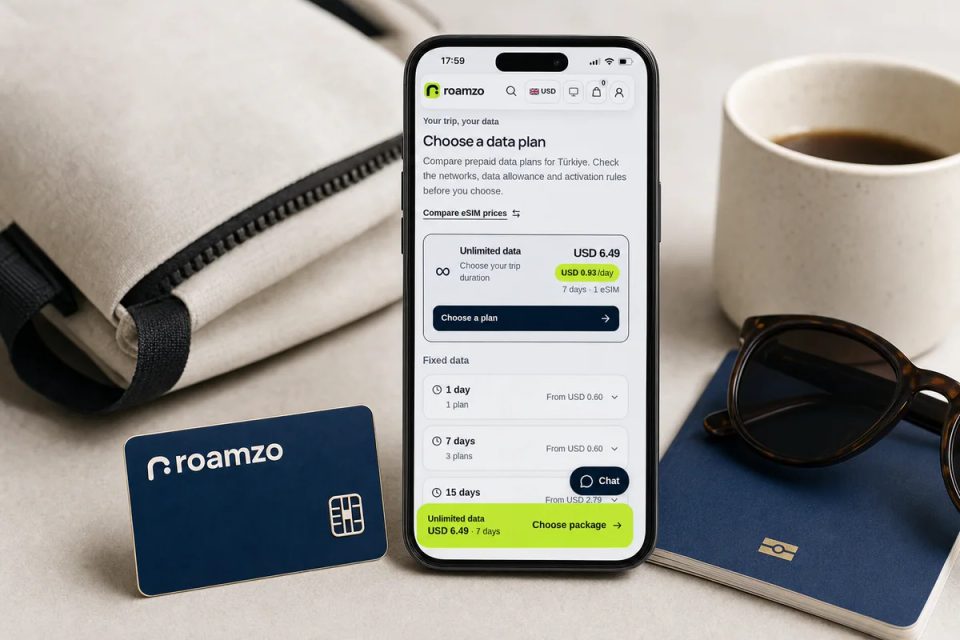
Install your Turkey eSIM before departure over reliable Wi-Fi if its paid validity starts on the first supported network connection. If validity starts during installation, install close enough to your trip that the service covers your dates. Buying an eSIM, installing its profile and starting the data plan can happen at different times.
When does a Turkey eSIM start?
Roamzo’s current 100 MB / 7-day Turkey package starts at installation. Its 1 GB / 7-day package starts on the first supported network connection. Both list installation within 180 days of purchase. These details were checked on 18 October 2026; use your selected package’s terms if you choose another option.
The installation deadline is not extra travel time: a seven-day package does not provide 180 days of internet. Nor should you assume switching the eSIM off pauses a validity period that has already started.
eSIM Access explains the two start models. A phone’s “Activate eSIM” setup label is not enough to determine the commercial start rule for your purchased data package.
Why prepare before entering Turkey?
Some providers report restrictions affecting access to their services in Turkey. For example, Saily says its website and top-up options are unavailable there and asks customers to prepare before entering. Check your own provider’s instructions before departure.
Before leaving, save your Roamzo order instructions and support details. Complete installation at the time allowed by your package, while you have reliable internet. If the package starts at installation, allow for that start when choosing your trip’s coverage dates.
How to install on iPhone or Android
Check the exact phone
Confirm eSIM support for the model and its purchase-region variant, and make sure it is unlocked for another carrier.
Open your delivered order
Roamzo provides a QR code and one-click installation on supported iOS and Android devices. Use the installation option shown in your order, or follow its manual instructions.
Install over Wi-Fi
Follow the prompts and give the travel line a clear name such as Turkey. If the start rule is unclear, resolve it before installing.
Use Apple’s eSIM setup instructions for an iPhone or Google’s setup instructions for a Pixel. Other Android models have their own menus. Roamzo’s installation overview explains the order-to-installation flow.
What settings do I need after arrival?
Enable the travel eSIM, select it for mobile data and turn on data roaming for that line as instructed. Turn off data roaming on your home line and automatic data switching if you want to keep mobile internet on the travel plan.
You can keep a home line available for calls and SMS on a compatible dual-SIM phone, but that service remains subject to your home carrier’s charges. Apple’s travel guidance and Google’s dual-SIM guide explain the separate line settings. A data-only Turkey eSIM does not add a Turkish phone number.
Installed but no internet?
Check that the travel line is on, selected for data and allowed to roam, then check remaining validity and your order’s network or APN instructions. Do not delete the profile as the first troubleshooting step: reinstallation depends on the package. Contact Roamzo support with the order reference, phone model and error message if the problem continues.
Sources & further reading
- Roamzo: Turkey package activation rulesChecked
- Roamzo: installation and arrival settingsChecked
- eSIM Access: start of validityChecked
- Saily: its Turkey access noticeChecked
- Apple: set up eSIMChecked
- Apple: eSIM while travellingChecked
- Google: dual-SIM settingsChecked
- Google: set up a new eSIMChecked
About the author